
Software listing
Canva Pro
Create branded content with premium design tools
About Canva Pro
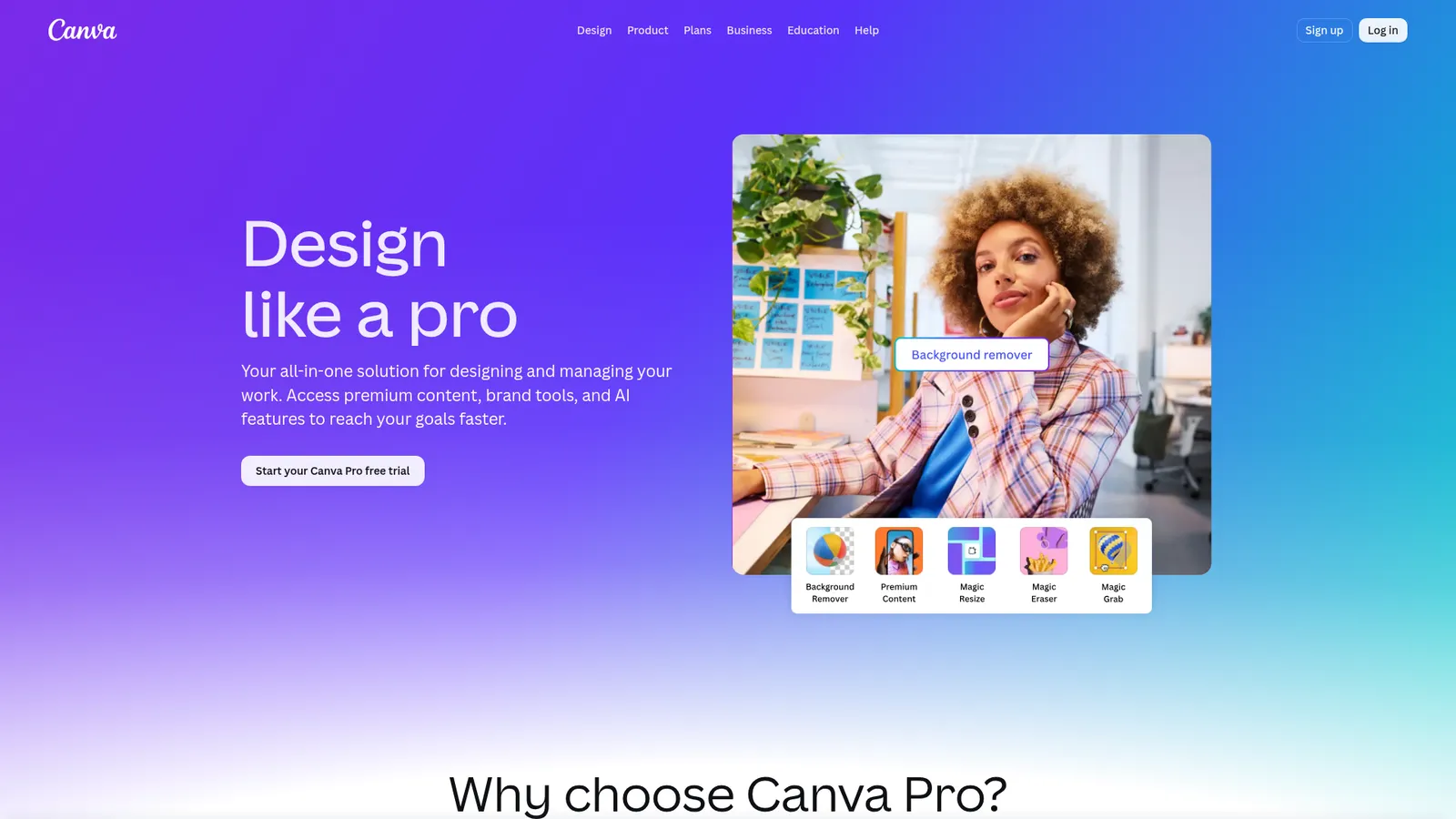
Canva Pro is the paid version of Canva, the online design tool that lets anyone make good looking graphics. With Pro you get the full library of templates, photos, and elements, plus handy extras like the background remover and brand kits.
What you can do with Canva Pro
- Use 100+ million premium photos, videos, graphics, and templates
- Remove backgrounds from images in one click
- Save your brand colors, fonts, and logos in a brand kit
- Resize one design for every social platform with Magic Resize
- Use AI tools to write copy, edit photos, and make designs faster
- Schedule social posts right from Canva
Who it's for
Canva Pro is great for small business owners, social media managers, and creators who make lots of graphics but aren't designers. If you post every week, the time it saves adds up fast.
Pricing
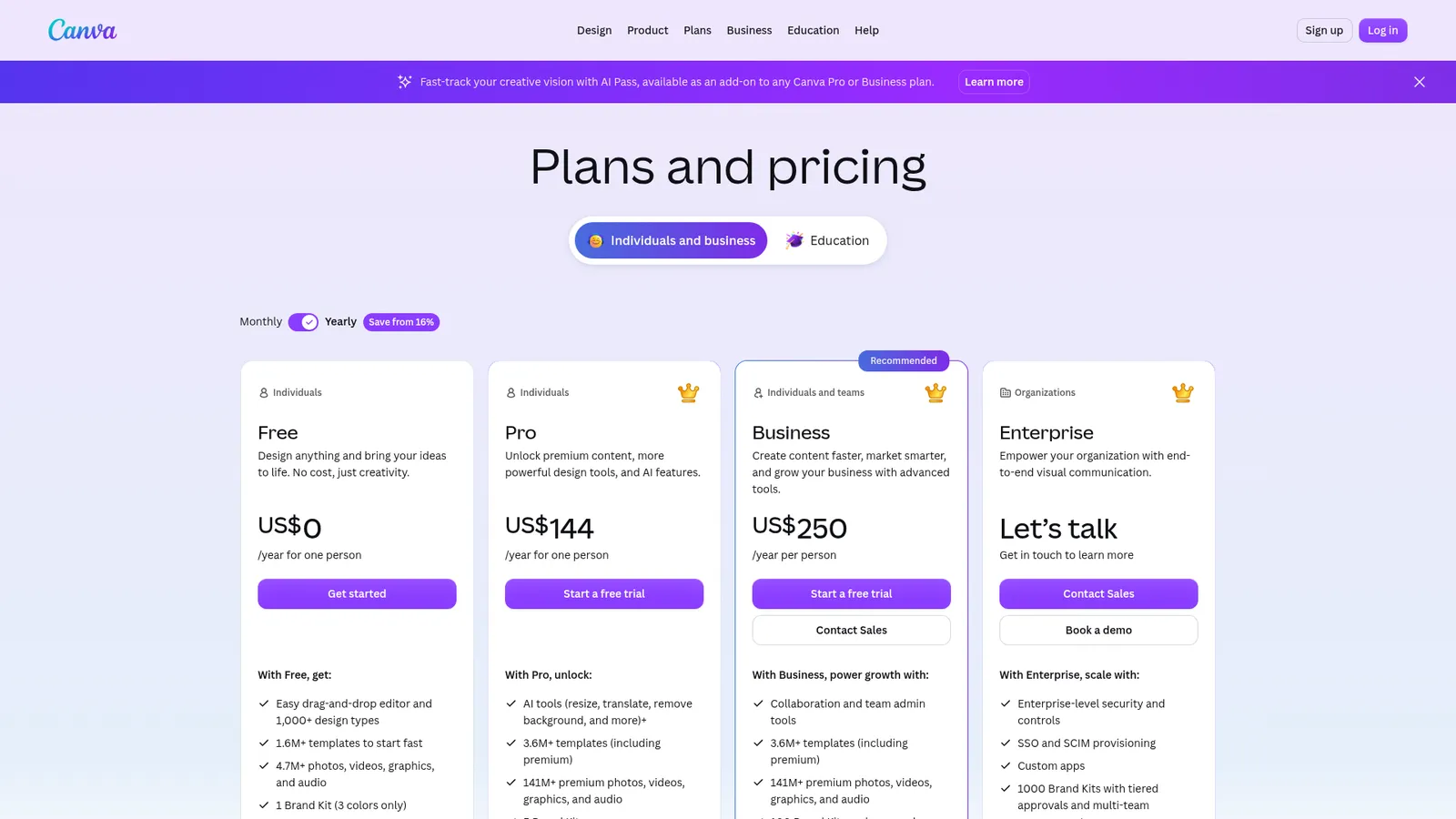
Canva has a free plan, and Pro is a paid upgrade billed monthly or yearly. There's usually a free trial so you can test the Pro features first.
Alternatives to Canva Pro
For more advanced design, try Figma. Photopea is a free Photoshop style editor, and Adobe Express is Adobe's take on Canva.
Screenshots
More in Paid Tools


Built a tool marketers should know about?
Paste your link and we read your page for you. Free with our badge on your site, or $5 for a reviewed listing with no badge. Every listing is checked by hand.